Introducing CatBridge
Guild Wars 2 Translation Companion
At a glance
CatBridge combines GW2 chat translation, screen text translation, Discord voice captions, and useful gameplay utilities.

Play Guild Wars 2 in your language
CatBridge runs alongside Guild Wars 2 and helps you play in your preferred language. It translates dialogue and chat, reads on-screen text through OCR, and captions Discord voice. It also includes cursor tools and WvW reports.
This guide covers the essentials and installation flow. Use the official CatBridge site for current downloads, full feature descriptions, and release notes.
Main features
Story and NPC dialogue translation
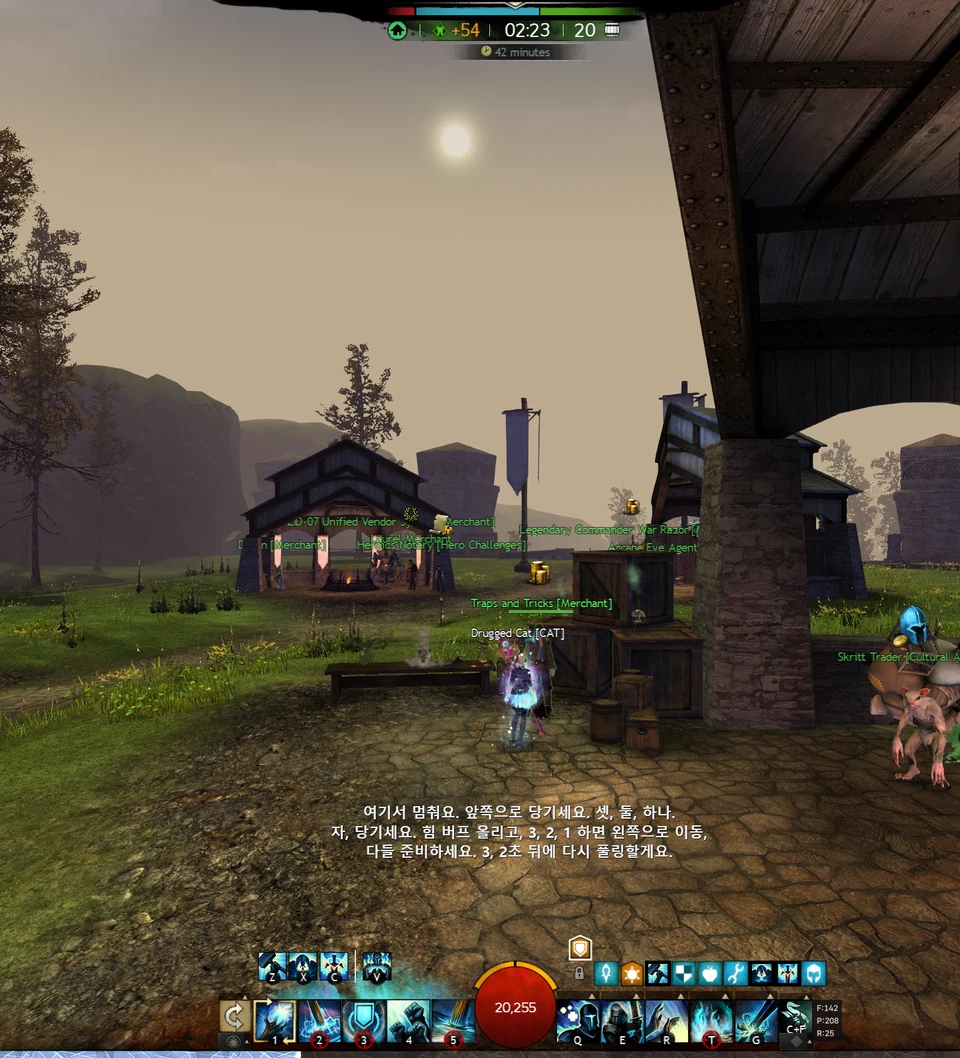
Read translated in-game dialogue in a dedicated overlay.
All chat channels
Translate every chat channel, including say, map, guild, whispers, party, squad, and team. You can also translate your own messages before sending them.
Screen OCR translation
Drag over objectives, skills, achievements, or dialogue choices to translate text that is not available through chat data.
Discord voice translation
Capture Discord voice and display captions in your chosen language.
Cursor tools
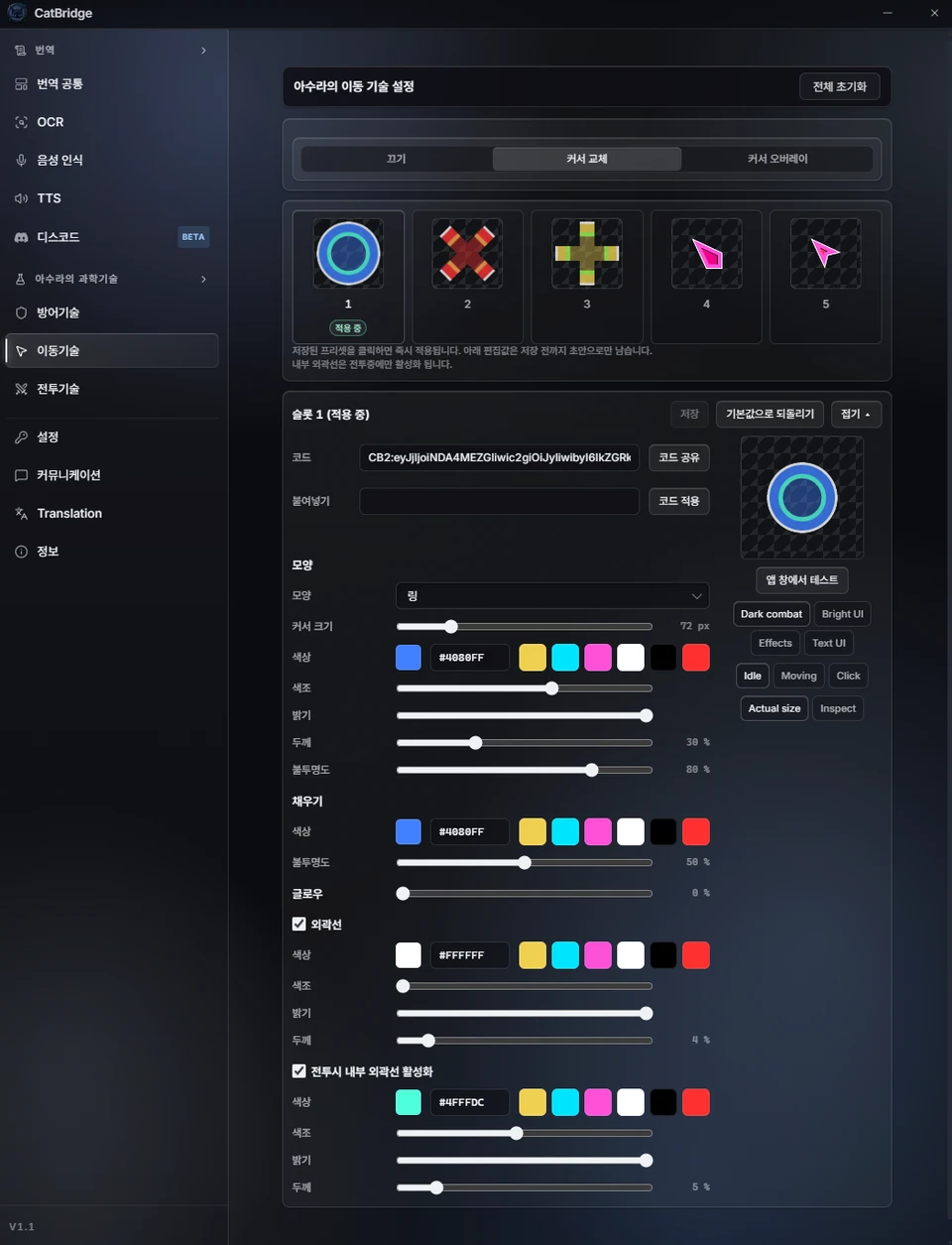
Make the GW2 cursor easier to see and choose different colors for combat and non-combat states.
WvW combat reports
With AxiBridge, view combat results in an overlay or share reports in chat.
Interface examples
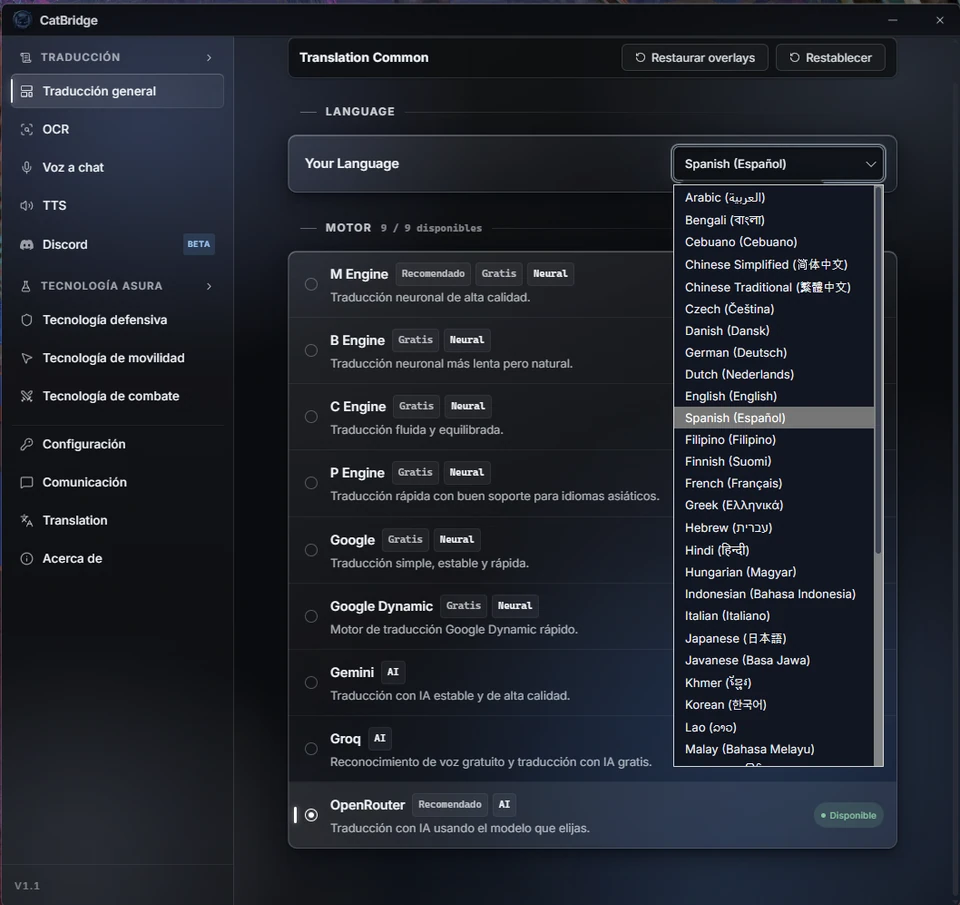
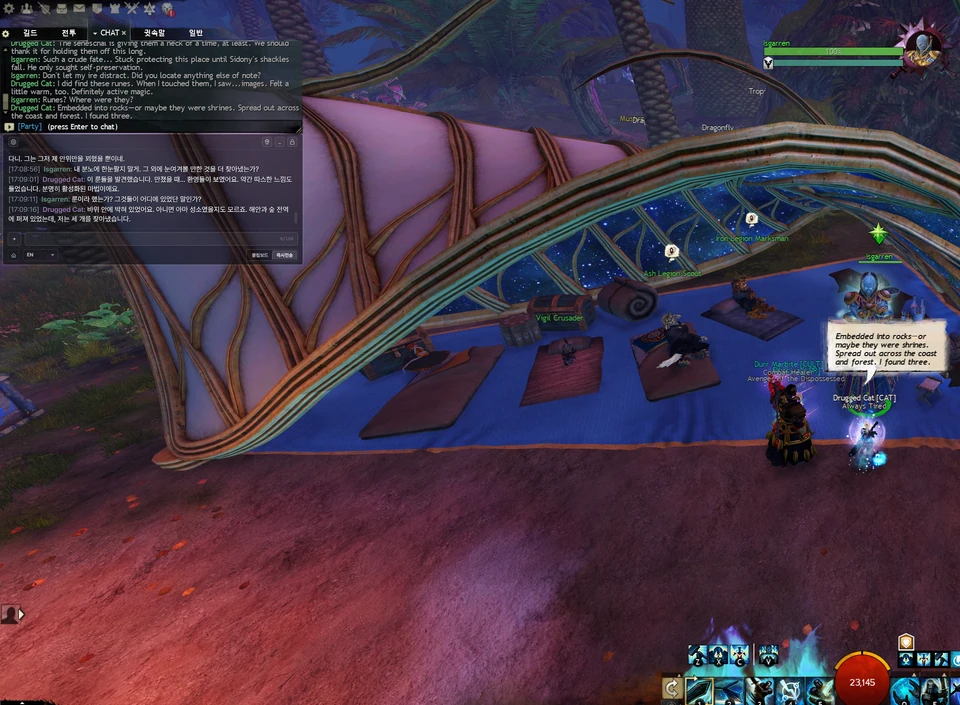
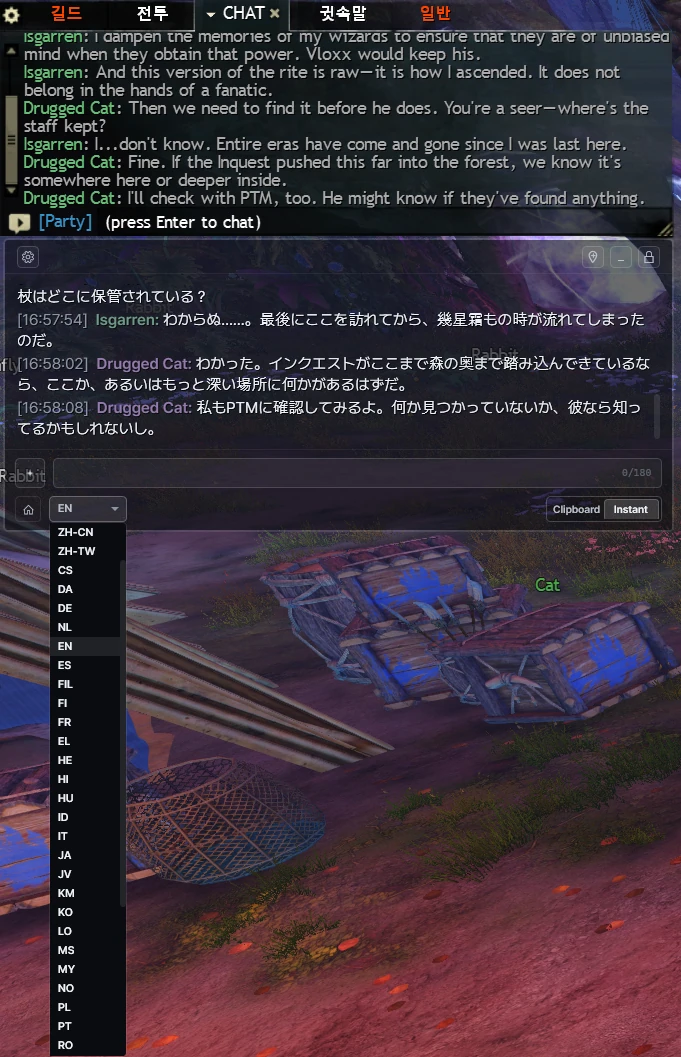
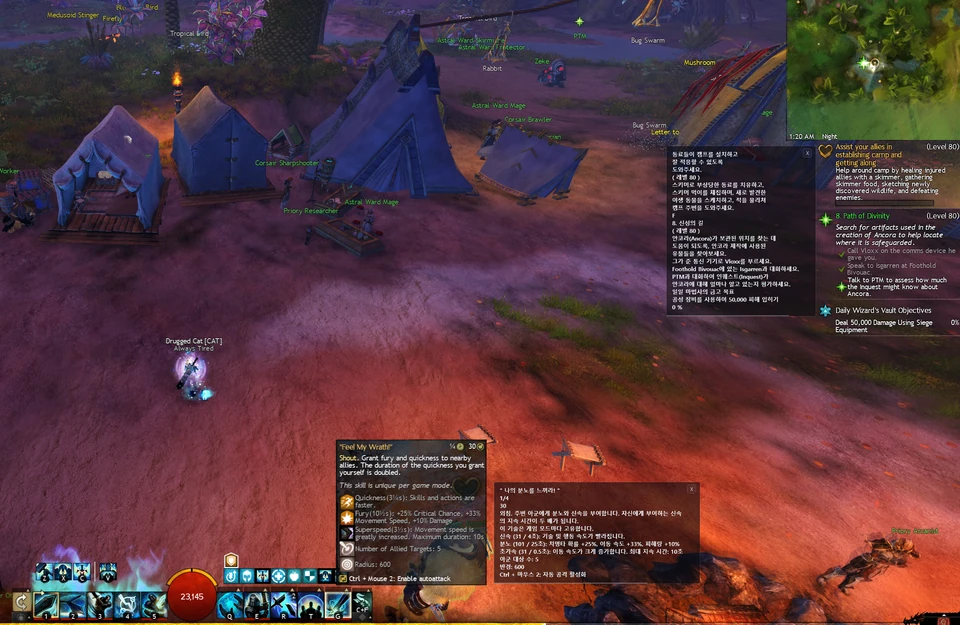
Before installing
- CatBridge is a separate Windows application.
- It receives game data through one or more connections: ArcDPS, Nexus, or Version.dll.
- You can install multiple connection methods without duplicate launches or duplicate output.
- Features and settings change over time. Check the official site for current instructions.